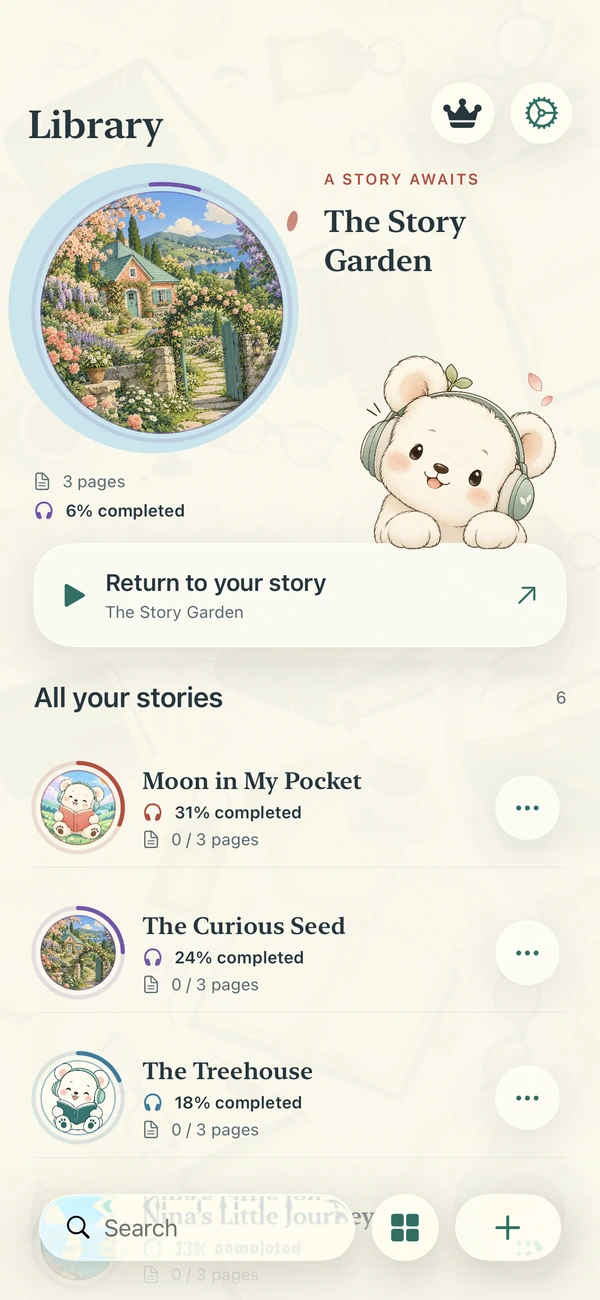
Give your words
a voice.
Create books from text, PDFs or printed pages.
Read them or listen with the voice you choose.
App Store

From text to audio.
Add your pages.
Write or paste text, choose pages from a PDF, or scan a printed page on compatible devices.
Choose a voice.
Generate audio with an AI voice and one of six reading styles, or use a system voice on your device.
Read. Or listen.
Read and listen in the Reader. Find your books and listening progress in the Library.
Inside Narrify.
Text and voice.
Together in one place.
Follow the text as you listen. Pause, change pages and pick up where you left off with saved listening progress.
Replay AI audio already generated and saved on your device, even offline while the book is accessible.
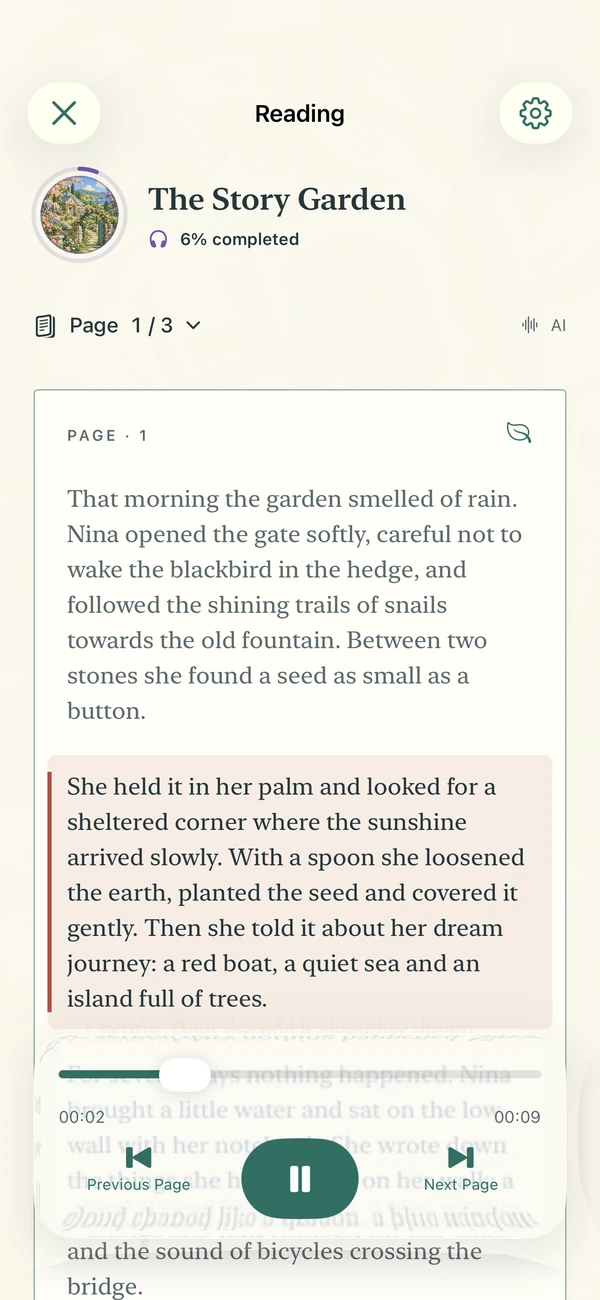
One AI voice.
Six reading styles.
Choose an AI voice, set a reading style and adjust the speed.
You can also use the system voices available on your device.
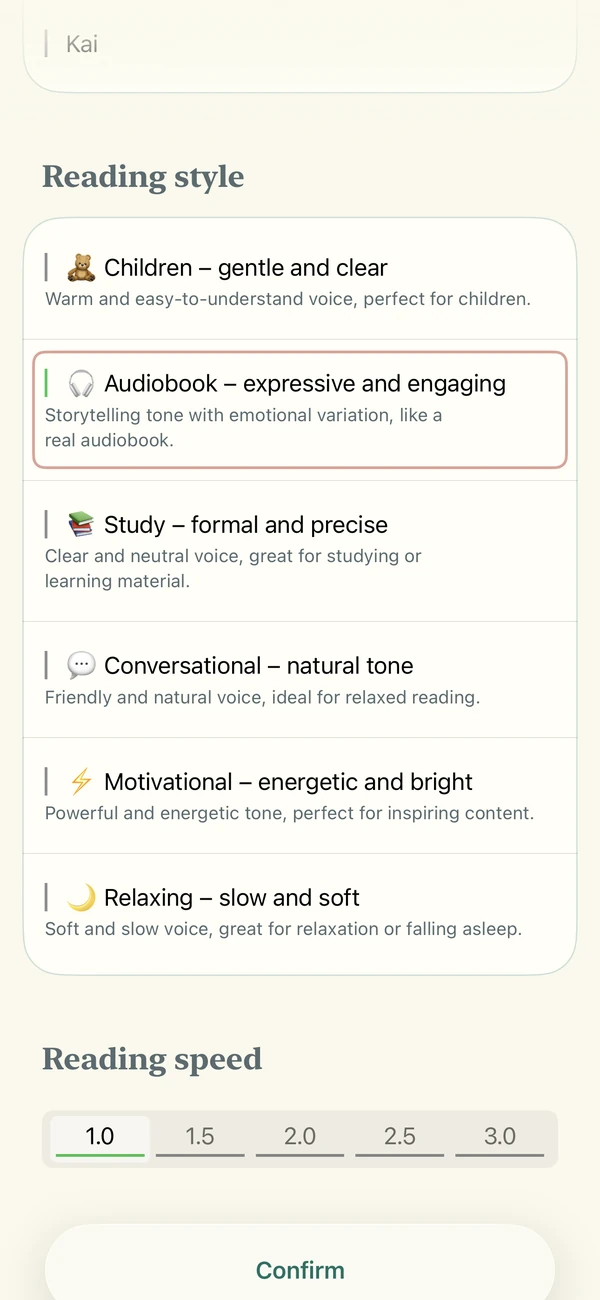
The books you create.
All in one place.
Choose a title and, if you like, a cover. You can edit pages and add more later.
Reopen your books and replay AI audio you’ve already generated.